Show Fights 1.1

Free Simple interface. Just connect to the server and watch
Rating
Your vote:
Latest version:
1.1.0.13 See all
Screenshots
1 / 1
Freeware
Used by 1 person
Download
Free  

First the network has to be set up. Connect both the server computer and the client computer(s) (the computer(s) that run the Show Fights program) to a network either by cable or by a wireless connection. Make sure the IP settings are. Start the server program on the server computer. In the left upper corner of the server program is shown some information about the computer name and the IP address of the server computer. Simple interface.Just connect to the server and watch
Comments

User

Your vote:

Related software

Change MAC Address
Change MAC Address
rating

View and change the MAC ID of your network adapters.

Managed Switch Port Mapping Tool
Managed Switch Port Mapping
rating

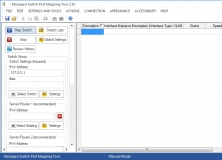
Discovers devices attached to port connectors on an SNMP managed network switch.

Show Traffic
Show Traffic
Free
rating

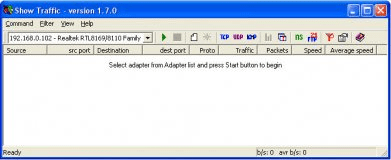
Show Traffic - monitors network traffic on the chosen network interface.

WPJoy Server
WPJoy Server
Free
rating

This application runs on your PC and your IP address will be shown.

Connect Buddy
Connect Buddy
rating

Connect Buddy wins Connect 4 games in a quick and efficient way.